
To delete UPI ID in Google Pay, tap your profile photo, choose the bank account, open “Manage UPI IDs”, tap the three dots next to the ID and select “Delete”. Other apps have a similar option under bank account or UPI settings. Deleting one UPI ID does not close your bank account, and you can create a new ID later.
Before you delete, check for AutoPay mandates and pending refunds linked to that ID. This guide shows what to check, the exact steps, how deleting differs from removing a bank account, and what to do in special cases such as a lost phone or a shop QR code.
Delete UPI ID: quick answer
| You want to | Do this | Bank account affected? |
|---|---|---|
| Remove one extra UPI ID | Delete that ID in the app | No |
| Stop using a bank on one app | Remove the bank account from the app | No, account stays open |
| Stop using an app fully | Remove bank accounts, then log out or deregister | No |
| Lost phone, stop misuse | Call your bank to block UPI | UPI blocked till you re-register |
| Change your UPI ID name | Delete the old ID, then add a new one | No |
Who this guide is for
- You have several UPI IDs on one account and want to clean up.
- You shared an old UPI ID widely and now want to stop payments to it.
- You are switching to a different UPI app and want to remove the old one.
- You run a shop and want to change the UPI ID on your QR code.
Before you delete UPI ID: 4 checks
- AutoPay mandates. Subscriptions, SIPs or EMIs set up on this ID may fail. Cancel or move them first. See how to cancel a UPI mandate.
- Pending refunds. If a merchant owes you a refund to this ID, wait for it to arrive.
- People who pay you. If clients or tenants pay to this ID, give them the new one first.
- Printed QR codes. A shop QR linked to the old ID will stop working.

Example: a refund still on the way
You returned a ₹2,499 order and the seller says the refund will go back to your UPI ID in a few days. If you delete that UPI ID today, you may have to chase the seller or your bank to trace the money. Wait until the refund reaches your bank account, then delete the ID.
How to delete UPI ID in Google Pay
Google Pay allows up to 4 UPI IDs per bank account, and you can remove any of them.
- Open Google Pay and tap your profile photo.
- Under payment methods, choose Bank account, then the account.
- Tap “Manage UPI IDs”.
- Tap the three dots next to the ID you want to remove.
- Select “Delete” and confirm.
Note: Google Pay says AutoPay is supported through IDs ending in @okaxis, @okhdfcbank and @okicici. If your ID ends in @oksbi, you need an additional UPI ID to use AutoPay. Keep at least one supported ID if you use AutoPay on Google Pay.
Can you rename a Google Pay UPI ID?
Google Pay’s help page does not offer a direct rename. Your default ID is based on your email, for example abc@gmail.com may become abc@oksbi. To change it, delete the ID and add a new one from the available list. To get an old ID back later, you need the same phone number, device, bank account and Google Account; if any of these differ, the same ID cannot be restored.
Deleting a UPI ID in PhonePe, Paytm and others
These apps also let you manage UPI IDs and linked bank accounts from your profile, usually under a section for UPI or payment settings. The exact menu names change with app updates, so check in your app. If you cannot find a delete option for a single ID, removing the bank account from the app has a similar effect for that app. Our guides on your UPI ID in PhonePe and UPI ID in Paytm show where these settings sit.
Delete UPI ID vs remove bank account vs deregister
| Action | What it does | Can undo? |
|---|---|---|
| Delete UPI ID | Removes one address; others for the same account stay | Yes, create a new ID |
| Remove bank account | That bank can no longer be used in this app | Yes, add it again |
| Deregister / log out of app | Stops UPI on that app on this phone | Yes, register again |
| Close bank account | Ends the account at the bank, so all UPI IDs on it stop | No, open a new account |
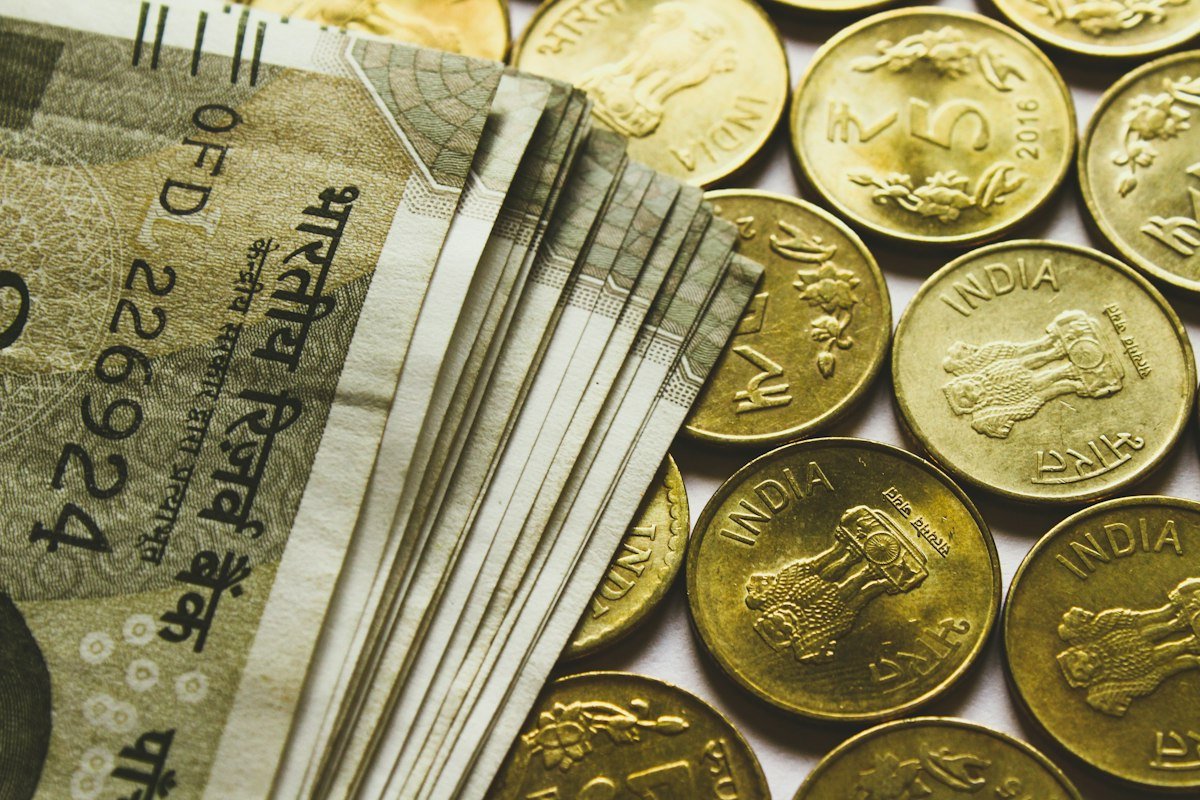
Shop owners: before you delete UPI ID linked to a QR code
- Print or display the new QR code first, then delete the old ID.
- Keep the old QR code up with a note for a day or two so regular customers know.
- Check that the new QR code pays into the right bank account with a small test payment.
- Update the UPI ID on invoices, WhatsApp catalogues and payment links.

What if you never delete an unused ID?
NPCI asked banks and apps in 2023 to deactivate UPI IDs with no activity for one year. So an unused ID may stop working on its own. Still, deleting IDs you do not need is cleaner and reduces confusion. If an ID stopped working and you want it back, read unblock UPI ID.
Common mistakes when you delete UPI ID
- Deleting the only ID that supports AutoPay. Your mandates may fail without warning.
- Deleting before a refund arrives. Wait for pending refunds first.
- Not telling regular payers. Tenants, clients or family may keep sending to the old ID.
- Thinking deletion closes the bank account. It does not. Close the account at the bank if that is what you want.
- Deleting a UPI ID instead of blocking UPI after losing your phone. Call your bank to block UPI instead.
Safety tips
- Lost your phone? Do not wait. Ask your bank to block UPI and your operator to block the SIM.
- Before changing your mobile number, update it at the bank and remove UPI from the old number.
- Never share your PIN with anyone offering to “delete” or “verify” your UPI ID.
- Sharing a UPI ID to receive money is normal, but never approve a collect request you did not expect. Read is it safe to share UPI ID.

What to do if you want to delete UPI ID in these situations
You are changing your mobile number
Update the new number with your bank first. Then register UPI on the new number and check that payments work. Only after that, remove UPI from the old number and delete any IDs you no longer need. If you do it the other way round, you may be left with no working UPI for a few days.
You are closing a bank account
Cancel or move every AutoPay mandate on that account, wait for pending refunds, and link another account in your UPI app. Then remove the old bank account from the app before you close it at the branch. Once the account is closed, every UPI ID on it stops working.
Someone is misusing your UPI ID to send collect requests
Deleting the ID can reduce unwanted requests, but the real protection is never approving a request you did not expect. Approving a collect request sends money out of your account. If you already lost money, report it on 1930 or cybercrime.gov.in at once and follow our UPI fraud complaint steps.
You have too many IDs and cannot add a new one
In Google Pay the limit is 4 UPI IDs per bank account. Delete one you do not use, then add the new one from Manage UPI IDs. Pick the ID that supports AutoPay if you plan to set up subscriptions.
You want a cleaner ID for business
Create the new ID first, test it with a small payment, update your QR code and invoices, and only then delete the old one. Our guide to the Google Pay UPI ID explains how IDs are formed.
FAQs
Does deleting a UPI ID close my bank account?
No. The bank account stays open and works as before.
Can I create the same UPI ID again?
In Google Pay you can add an ID from the available list again, but restoring the same old ID needs the same phone number, device, bank account and Google Account. Other apps may differ.
What happens to my AutoPay after deleting?
Mandates on that ID may fail. Cancel or move them first.
How many UPI IDs can I have?
Google Pay allows up to 4 per bank account. Other apps set their own limits.
Will money sent to a deleted UPI ID reach me?
Once the ID is deleted, payments to it should fail rather than reach you, so share your new ID before deleting. If money left someone’s account but you did not get it, they should follow the failed payment process with their app.
Should I delete my UPI ID before selling my phone?
Remove bank accounts from the UPI apps, log out, remove the SIM and reset the phone. Deleting individual IDs is optional once the app is deregistered.
Conclusion
You can delete UPI ID in under a minute, but check AutoPay, refunds and QR codes first. Share your new ID before removing the old one. For more help, browse the UPI guides hub.
Sources: Google Pay Help: create or find your UPI ID, Google Pay Help: Autopay, Inc42 (NPCI inactive IDs).
This guide is for general information only. Limits and features can change; check your bank or UPI app for the latest details. FIIAndDIIData.com is not affiliated with NPCI or any UPI app.