To know your UPI ID in PhonePe, open the app, tap your profile picture or initials at the top left of the home screen, then tap View UPI details under your QR code. Your UPI ID appears there, ready to copy. If you have more than one bank account linked, swipe the QR code to see the IDs for the others.
You might need your UPI ID in PhonePe to receive money from someone, to add it to a trading or investment app for fund transfers, to fill a salary or payout form, or to give a customer at your shop. This guide shows every place it appears, what each part means, why it may look masked in 2026, and how to fix the usual problems.
Quick answer
| What you want | Where to tap |
|---|---|
| Main UPI ID | Profile icon (top left) > View UPI details |
| IDs for other bank accounts | Swipe the QR code on the same screen |
| All IDs for one account | Profile > Manage Payments > UPI Bank accounts > select account |
| UPI Circle ID (secondary user) | Profile > Manage Payments > More options > UPI Circle |
How to know your UPI ID in PhonePe: step by step
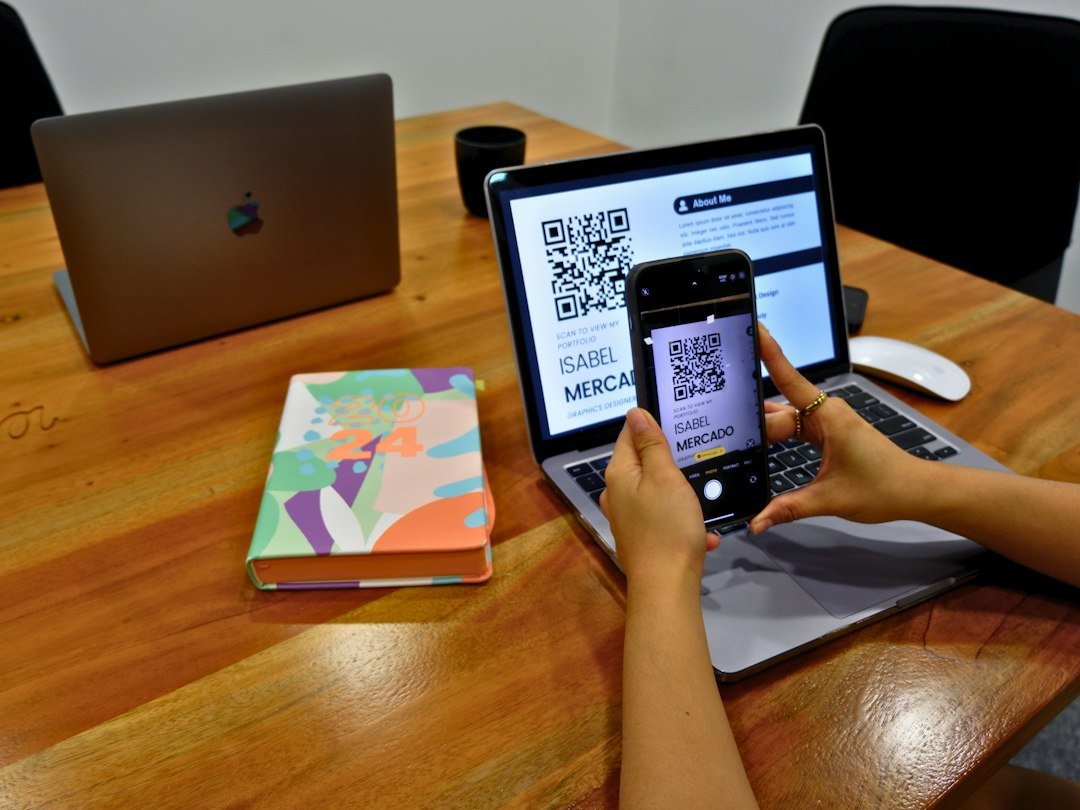
- Open PhonePe and unlock it.
- Tap the small profile widget (your photo or initials) at the top left.
- Your QR code appears. Tap View UPI details below it.
- Long-press or tap the copy icon next to the ID to copy it.
From the same screen you can share the QR code itself. A QR code is often easier than typing the ID, because the payer only has to scan it.
Finding all IDs for one bank account
- Tap the profile widget.
- Tap Manage Payments.
- Under More options, tap UPI Bank accounts.
- Tap the account. Every UPI ID for it is listed under UPI IDs.
From this screen you can also add a name-based ID; see how to create a UPI ID in PhonePe.
If you use UPI Circle
UPI Circle lets a primary account holder allow a family member to pay from their account. If you are the secondary user, your assigned ID is under Profile > Manage Payments > More options > UPI Circle. Our UPI Circle guide explains how it works.
A real example
Amit needs to add his UPI ID to his broker app to move ₹10,000 for a mutual fund purchase. He opens PhonePe, taps his initials, taps View UPI details and sees two IDs. He copies the one linked to the HDFC account he registered with the broker, because the broker only accepts IDs from that bank account. The transfer goes through in seconds.
Understanding your UPI ID in PhonePe

A UPI ID has two parts joined by @. The first part identifies you. The second part, the handle, identifies the bank that handles UPI for PhonePe.
| Example ID | Name part | Handle | Partner bank |
|---|---|---|---|
| 98xxxxxx10@ybl | Mobile number | @ybl | Yes Bank |
| priya.s@ibl | Custom name | @ibl | ICICI Bank |
| priya.s@axl | Custom name | @axl | Axis Bank |
You may see the same name on two handles. Both credit the same bank account. PhonePe keeps more than one so a payment can still go through if one partner bank’s system is down. More on @ybl in our YBL in UPI explainer.
Why your UPI ID may look masked in 2026

Under NPCI circular OC-234/2026-27 (June 2026), UPI apps had until 4 September 2026 to mask mobile numbers, UPI IDs and account numbers on customer-facing screens. So when you pay someone, their details may show partly hidden, and they may see yours that way too. Your own ID is still shown in full on your profile so you can copy it. Since a mobile-number ID reveals your number to anyone you share it with, consider creating a name-based ID.
Other ways to find your UPI ID in PhonePe
- Payment history: open any received payment; the details usually show the ID it was sent to.
- Your bank SMS: some banks mention the UPI ID used in credit alerts.
- Ask a friend: after they pay you, their app’s receipt shows your ID, possibly masked.
UPI ID vs UPI transaction ID
Do not confuse the two. Your UPI ID is your payment address, like name@ybl. A transaction ID is the reference number for one payment, shown in history. If a support team asks for the transaction ID, see UPI transaction ID for where to find it.
Common problems and fixes
- No View UPI details button: you have not linked a bank account yet. Add one first.
- Different ID than expected: check whether you are viewing another account’s QR code. Swipe back.
- Trading app rejects the ID: some apps need the ID linked to the same bank account registered with them. Use that account’s ID.
- Menu names differ: PhonePe updates its layout. Look for UPI settings inside your profile.
- Payer says ID is invalid: copy-paste it instead of reading it out; a missing dot changes the ID.
What to do if your ID is not showing
- Update PhonePe to the latest version.
- Check that a bank account is linked under UPI Bank accounts.
- If the account was removed, link it again; a new ID may be created.
- Contact PhonePe Help from the app if the screen still shows nothing.
Safety tips
- Sharing your UPI ID is safe. Sharing your UPI PIN or OTP is not. Read more in is it safe to share UPI ID.
- To receive money you never enter a PIN. Anyone asking you to do so is trying to take money.
- Do not scan a QR code to receive a refund or prize. Scanning a QR is for paying.
- Report fraud on 1930 or cybercrime.gov.in.
FAQs
Where is the UPI ID in PhonePe?
Tap your profile icon at the top left, then View UPI details below the QR code.
What does @ybl mean in PhonePe?
It is the handle for Yes Bank, one of PhonePe’s UPI partner banks. It does not mean your account is with Yes Bank.
Why do I have more than one UPI ID?
PhonePe creates IDs on several handles, and each linked account has its own IDs. All of them work.
Can I find my PhonePe UPI ID without the app?
Not directly. Check an old payment receipt from someone who paid you, or open the app.
Which ID should I give a trading app?
The one linked to the bank account you registered with that app.
Can I change my PhonePe UPI ID?
You can add a custom ID under UPI Bank accounts and use it instead. Options may vary by app version.
Is it safe to share my UPI ID?
Yes, for receiving money. Prefer a name-based ID if your current one is your mobile number.
Conclusion
Your UPI ID in PhonePe is three taps away: profile icon, QR screen, View UPI details. Copy it from there and share it or the QR code. Browse all our UPI guides for Google Pay, Paytm, limits and fixes.
Sources: PhonePe, Moneyview PhonePe UPI ID guide, NPCI, NPCI circular summary (June 2026).
This guide is for general information only. Limits and features can change; check your bank or UPI app for the latest details. FIIAndDIIData.com is not affiliated with NPCI or any UPI app.