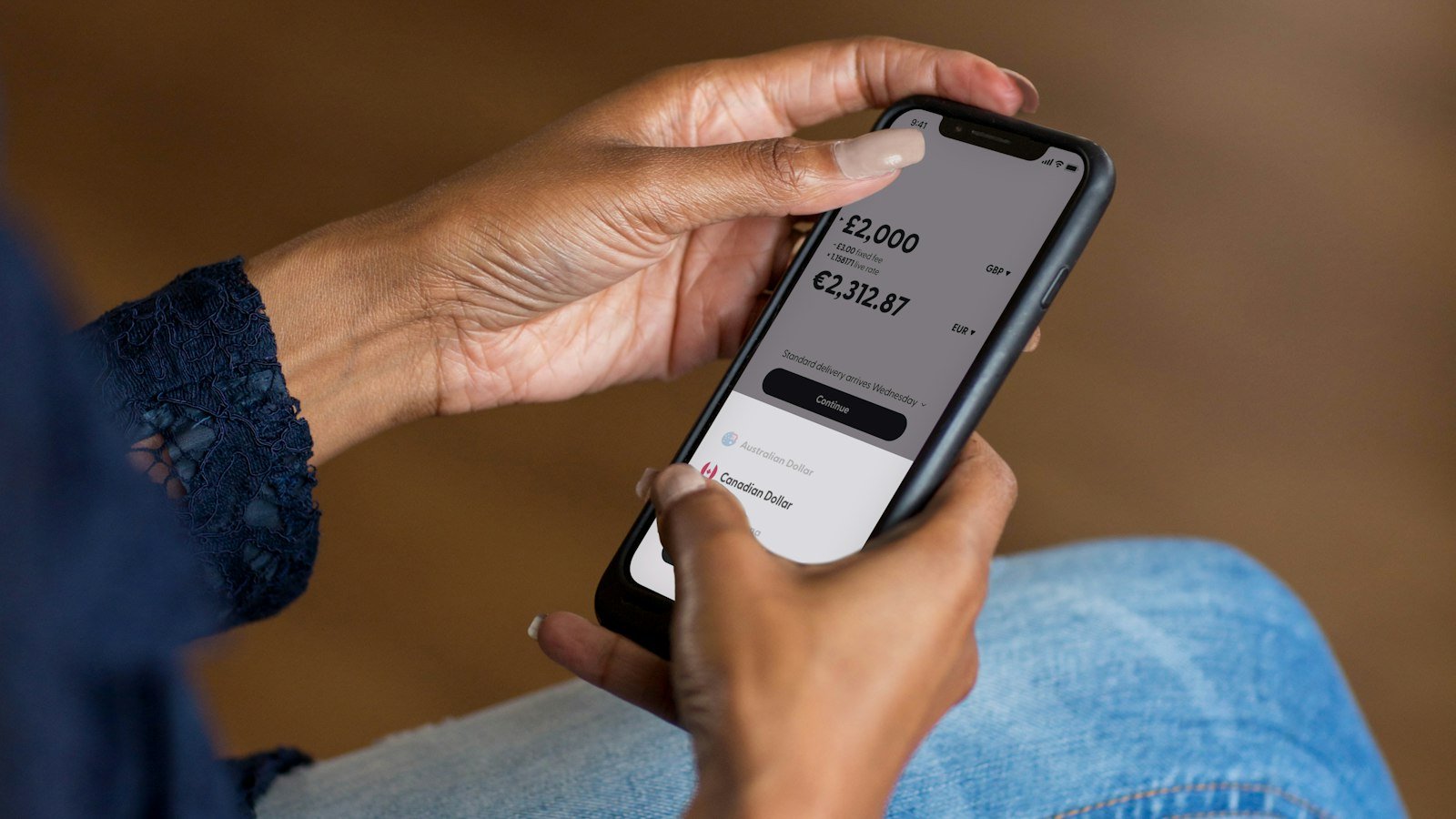
Your Google Pay UPI ID is shown under your linked bank account. Tap your profile photo at the top right, tap Bank account, select the account and tap Manage UPI IDs. The ID is listed at the top under the account details. It usually looks like yourname@okaxis, yourname@okhdfcbank, yourname@okicici or yourname@oksbi.
The name part is linked to your Gmail address, not your phone number. That makes a Google Pay UPI ID safe to share for receiving money. This guide is for anyone who needs their ID to get paid, to fill a form, or to link a trading or investment app. It covers the exact steps, what each part of the ID means, how to share it, and how to fix the common issues.
Quick answer
| Question | Answer |
|---|---|
| Where to find it | Profile photo > Bank account > select account > Manage UPI IDs |
| Format | name@okaxis / @okhdfcbank / @okicici / @oksbi |
| Name part | Linked to your Google account email |
| How many | Up to 4 per bank account |
| Works with other apps? | Anyone on any UPI app can pay to it |
How to find your Google Pay UPI ID

- Open Google Pay.
- Tap your profile photo at the top right.
- Under payment methods, tap Bank account.
- Tap the bank account you want.
- Tap Manage UPI IDs. Your UPI IDs are listed there.
- Tap and hold an ID, or use the copy icon, to copy it.
On many versions, the UPI ID is also printed under your QR code on the profile screen. Tap the QR code to see it.
A real example
Rahul Jha is a freelance designer. A client wants to pay him ₹15,000 and asks for his UPI ID. Rahul opens Google Pay, taps Bank account, picks his PNB account and opens Manage UPI IDs. He sees rahul.jha21@okaxis and rahul.jha21@okicici, copies the first and pastes it in WhatsApp. The client pays; the money reaches his PNB account even though the handle says Axis.
What your Google Pay UPI ID means
| Part | Example | Meaning |
|---|---|---|
| Name | rahul.jha21 | Linked to your Gmail address |
| @ | @ | Separator |
| Handle | okaxis | Partner bank that processes UPI for Google Pay (here Axis Bank) |
The four Google Pay handles map to Axis Bank (@okaxis), HDFC Bank (@okhdfcbank), ICICI Bank (@okicici) and State Bank of India (@oksbi). Google’s own example is abc@gmail.com becoming abc@oksbi. The handle does not need to match your bank. If you bank with Punjab National Bank, a payment to your @okaxis ID still lands in your PNB account.
| Handle | Partner bank |
|---|---|
| @okaxis | Axis Bank |
| @okhdfcbank | HDFC Bank |
| @okicici | ICICI Bank |
| @oksbi | State Bank of India |
Why Google Pay gives you several IDs
Google Pay can hold up to four UPI IDs per bank account, one on each handle. If one partner bank’s server is slow or down, Google Pay can route payments through another. Google calls this smart routing. Keeping two or more active IDs means fewer failed payments. To add one, see our guide on how to create UPI ID in Google Pay.
How to share your Google Pay UPI ID
- Copy and paste: copy from Manage UPI IDs and paste in a message.
- QR code: share the QR from your profile. The payer scans it with any UPI app.
- Phone number: people can also pay you by number if it is linked to UPI, but sharing a name-based ID keeps your number private.
Since 4 September 2026, NPCI requires UPI apps to mask mobile numbers and UPI IDs on customer screens (circular OC-234/2026-27). Payers may now see part of your ID hidden on their screen. That is normal.
Sharing methods compared
| Method | Keeps number private | Typing errors |
|---|---|---|
| Copy-paste ID | Yes | None |
| QR code | Yes | None |
| Read out ID | Yes | Possible |
| Phone number | No | Possible |
Common problems with your Google Pay UPI ID
- Manage UPI IDs not visible: no bank account is linked. Add one under Bank account first.
- ID shows an old email name: the ID is tied to the Google account used when it was created. A different name needs a different Google account.
- Payer says ID is invalid: check for typos. A dot or digit missing changes the ID.
- Deleted an ID by mistake: it can be restored only with the same phone number, device, bank account and Google account.
- Can’t add an ID from PhonePe: Google Pay does not accept IDs made in other apps or net banking.
- Forgot your PIN: see reset GPay UPI PIN.
What to do if money did not arrive
- Ask the payer for the transaction ID and status in their app.
- Check that they used your exact ID; a typo sends money nowhere or to someone else.
- Check your bank statement, not just Google Pay history.
- If the payer’s account was debited but you were not credited, the payer should raise it in their app; see UPI transaction failed.
Common mistakes to avoid
- Reading the ID aloud over a call instead of sending it in text.
- Sharing your phone number publicly when a name-based ID works.
- Deleting IDs on a new phone without knowing they may not come back.
- Confusing your UPI ID with your UPI PIN. The ID is public; the PIN is secret.
Safety tips
- Your UPI ID is for receiving. Your UPI PIN is for sending. Never share the PIN.
- Ignore collect requests from unknown people, even if the note says “refund” or “cashback”.
- Report fraud on 1930 or cybercrime.gov.in, and in the Google Pay app. Our UPI fraud complaint guide lists the steps.
FAQs
What is my UPI ID in Google Pay?
Open Profile > Bank account > your account > Manage UPI IDs. It looks like name@okaxis or similar.
Is the Google Pay UPI ID the same as my phone number?
No. It is linked to your Gmail name. People may also pay you by phone number, which is a separate option.
Which Google Pay UPI ID should I share?
Any of them. All IDs under one account credit that account.
Can I change my Google Pay UPI ID?
Google describes this as deleting an ID and creating a new one. Changing the name part freely may not be available; check Manage UPI IDs in your app.
Does every bank account get its own ID?
Yes. Each linked account has its own set of up to four IDs.
Can PhonePe or Paytm users pay my Google Pay UPI ID?
Yes. Any UPI app can send money to it.
Is it safe to post my UPI ID on social media?
It only lets people pay you, but expect spam collect requests. Never approve one you did not expect.
Conclusion
Your Google Pay UPI ID sits under Manage UPI IDs for each bank account. Copy it or share your QR code, and keep a second ID active as a fallback. PhonePe user? Read how to know your UPI ID in PhonePe, or browse all our UPI guides.
Sources: Google Pay Help: Create or find your UPI ID, Google Pay Help: Smart routing, NPCI, NPCI circular summary (June 2026).
This guide is for general information only. Limits and features can change; check your bank or UPI app for the latest details. FIIAndDIIData.com is not affiliated with NPCI or any UPI app.