SBI UPI not working is most often caused by planned maintenance at State Bank of India, not by your phone or app. SBI runs these windows late at night and announces them on its official X account, @TheOfficialSBI. When the window overruns, SBI customers see failed or pending UPI payments on every app at once.
If only you are affected, the cause is usually on your side: a wrong PIN, an old app, or the SIM. This guide covers both cases, with real examples from 2026, a step-by-step fix, backup payment options and what to do if money was debited but the payment failed.
SBI UPI not working? Quick answer
| Check | If yes |
|---|---|
| SBI has posted a maintenance notice for now | Wait till the window ends or use UPI Lite |
| Other SBI users also report failures on Downdetector | Bank-side issue; avoid repeated retries |
| Your other bank account works on the same app | SBI-side issue |
| SBI works on another app but not on yours | App issue; update or switch app |
| Error mentions PIN | Reset UPI PIN |
| Only your SBI account fails, every app, for days | Possible account freeze or KYC issue; contact your branch |
Who this guide is for
- You have an SBI savings or current account linked to Google Pay, PhonePe, Paytm, BHIM SBI Pay, YONO or any other UPI app.
- Your SBI UPI payment failed, stayed pending, or money was debited without reaching the receiver.
- You want to know when SBI maintenance happens and how to keep paying during it.
- You run a shop and customers with SBI accounts cannot pay you.
Recent SBI UPI disruptions
These events show the usual pattern. Dates and times are taken from news reports quoting SBI notices.
| Date | What happened | What SBI suggested |
|---|---|---|
| 1 April 2026 | Scheduled maintenance extended till 12:30 pm; UPI, IMPS, YONO, net banking, NEFT and RTGS could be disrupted. Downdetector logged over 500 SBI reports. | UPI Lite, eRupee app, ATMs |
| 3 October 2026 | UPI unavailable from 00:15 to 01:00 IST for planned maintenance, including payments via YONO and BHIM SBI Pay. | UPI Lite, ATMs, finish urgent payments before 00:15 |
What the 3 October 2026 window meant in practice: if you tried to pay a ₹600 pharmacy bill at 00:30 that night from your SBI account, the payment would most likely fail on any app. The same payment from an account at another bank, or from a UPI Lite balance loaded earlier, would have had a better chance of going through. At 01:05, after the window closed, a normal SBI UPI payment should work again.
Why SBI UPI is not working: main causes
Planned maintenance
SBI has the largest customer base in India, so even a short upgrade affects millions. Notices usually come one or two days earlier on X and sometimes by SMS.
Unplanned server load or glitches
Heavy traffic on salary days, festival sales or month-end can slow responses. Payments may stay pending for a while before settling.

Account-level issues
A debit freeze, pending KYC, or a dormant account will stop UPI even when SBI’s systems are fine. Only your branch can fix this.
Device, SIM and PIN problems
The mobile number registered with SBI must be active in the phone. Too many wrong PIN attempts can lock UPI for 24 hours on many apps. See our UPI not working guide for the full list of personal causes.
Daily limit reached
Every bank sets its own UPI limits. If your payment fails only after several large transfers in one day, you may have crossed SBI’s limit for the day. The current figures are in our guide to the SBI UPI transaction limit; check the YONO app or SBI’s website for the latest.
Is SBI UPI not working for everyone or only you?
| Sign | Most likely |
|---|---|
| SBI notice on X for this time | Bank maintenance, affects all SBI users |
| Spike in SBI reports on Downdetector | Bank-wide problem |
| Friends with SBI accounts pay fine | Your PIN, SIM, app or account |
| All banks fail, not just SBI | Wider UPI issue; read our is UPI down guide |
If every bank is failing, the problem is bigger than SBI. Our guide on is UPI down explains how to check NPCI-level outages.
How to fix SBI UPI not working: step by step
- Open @TheOfficialSBI on X and look for a maintenance notice for today.
- Check Downdetector for a spike in SBI reports.
- Check your app’s history. If a payment is pending, do not pay again yet.
- Try the payment from another bank account, if you have one.
- Update your UPI app (BHIM SBI Pay, YONO, Google Pay, PhonePe or Paytm) and restart the phone.
- If the error says wrong PIN or PIN blocked, reset the PIN using your SBI debit card or Aadhaar OTP, where your app supports it. Steps are in our forgot UPI PIN guide.
- If the problem lasts more than a day with no SBI notice, contact SBI through its official website or visit the branch.
How to keep paying when SBI UPI is down
- UPI Lite: SBI itself recommends it during maintenance. As reported in October 2026, UPI Lite payments up to ₹1,000 do not need a PIN, with a daily cap of ₹5,000 from the loaded balance. Load it before the downtime begins. See how to use UPI Lite.
- Another bank account linked on the same app.
- ATM: SBI has said ATMs stay available for cash and balance checks during UPI maintenance.
- Debit or credit card at shops that accept cards.
- eRupee app: SBI suggested it during the April 2026 disruption.
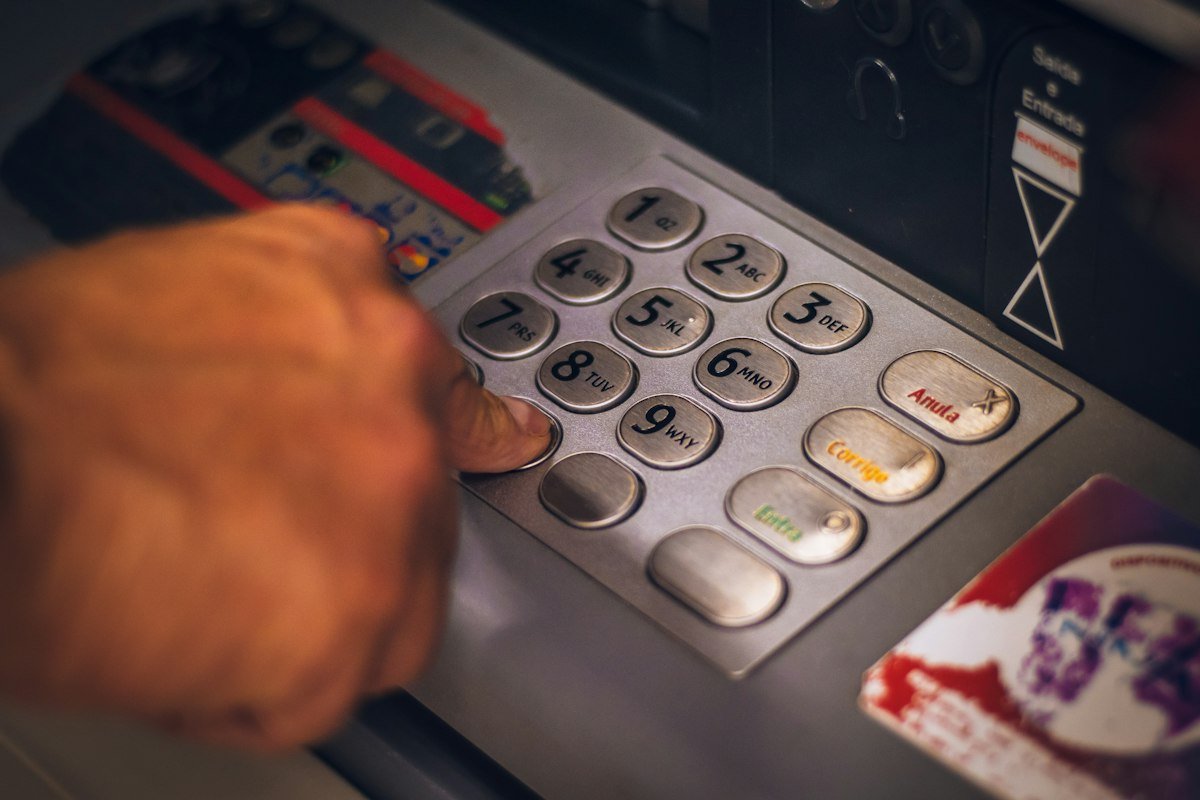
Example: planning around a maintenance window
Say SBI announces UPI downtime from 00:15 to 01:00 tonight and you usually pay a late-night food delivery or a cab by UPI. Before 00:15, load some money into UPI Lite, or keep a second bank account linked in your app. If you must pay a large amount, such as a ₹20,000 hospital deposit, do it before the window starts or use a card. UPI Lite covers only small payments.
Money debited from SBI but payment failed
RBI’s turnaround time rules say a failed UPI payment that was debited but not credited should be auto-reversed, usually by the next working day, with compensation of ₹100 per day if the bank is late. If you do not get the refund, raise a complaint in the UPI app first, then with SBI, then NPCI, and finally the RBI Ombudsman at cms.rbi.org.in. Keep the UTR number from the transaction. Our UPI refund complaint guide shows how to file each step.
| Step | Where | Keep ready |
|---|---|---|
| 1 | UPI app (help on the transaction) | UTR, date, amount |
| 2 | SBI (official website or branch) | App complaint number, screenshot |
| 3 | NPCI dispute redressal | Earlier complaint details |
| 4 | RBI Ombudsman, cms.rbi.org.in | All earlier replies |
Common mistakes when SBI UPI is not working
- Retrying again and again during maintenance. Each retry can create another pending entry.
- Resetting the PIN during a bank outage. The reset may also fail, and it does not fix a server problem.
- Waiting until the last minute to load UPI Lite. Loading money also needs SBI’s systems, so do it before downtime.
- Trusting “SBI helpline” numbers in social media comments. Use only sbi.co.in or the official app.
- Not saving the UTR. Without it, a refund complaint takes longer.
Safety tips
- SBI will not call you to ask for your UPI PIN, OTP or card CVV.
- Find SBI contact details only on sbi.co.in or the official app, not from search ads or social media comments.
- Do not install screen-sharing apps when someone offers to “fix” SBI UPI.
- Report fraud on 1930 or cybercrime.gov.in at once.
FAQs
Why is SBI UPI not working today?
Most likely planned maintenance or a server issue at SBI. Check @TheOfficialSBI on X. If no notice exists, check your PIN, SIM and app.
At what time does SBI do UPI maintenance?
Usually late at night, for example 00:15 to 01:00 IST on 3 October 2026. Times change each time, so check the notice.
Does UPI Lite work during SBI downtime?
SBI has recommended UPI Lite for downtime, since it uses money loaded earlier. Load it before the window starts.
Will SBI refund a failed UPI payment?
Yes, failed debits should be auto-reversed under RBI rules, usually by the next working day. Complain with the UTR if it does not arrive.
Is SBI UPI down on all apps at once?
During bank maintenance, yes. SBI’s notices say payments through YONO, BHIM SBI Pay and other UPI apps may fail.
Can I still withdraw cash when SBI UPI is not working?
SBI has said ATMs stay available for cash and balance checks during its UPI maintenance windows.
SBI UPI has failed for several days. What should I do?
If there is no SBI notice and other SBI users can pay, the issue is likely your account, PIN or SIM. Visit your branch with KYC documents and ask whether a debit freeze or KYC update is pending.
Conclusion
When SBI UPI is not working, first look for an SBI maintenance notice. Keep UPI Lite loaded and a second bank account linked so you are never stuck, and save the UTR of any failed debit. Browse all our UPI help articles on the UPI guides hub.
Sources: Business Today (SBI, Oct 2026), Free Press Journal (SBI, Apr 2026), NPCI dispute redressal, RBI, SBI.
This guide is for general information only. Limits and features can change; check your bank or UPI app for the latest details. FIIAndDIIData.com is not affiliated with NPCI or any UPI app.