The Google Pay transaction limit for sending money to people is ₹1 lakh from one bank account in 24 hours, with a maximum of 20 successful payments in 24 hours and 150 in 30 days. New users can send only ₹5,000 in the first 24 hours on Android. Payments to verified merchants in some categories can go up to ₹5 lakh each.
Google Pay does not invent these numbers. They follow NPCI’s UPI rules and your bank’s own caps. If your bank sets a lower limit, that lower limit applies inside Google Pay too. This guide covers every limit on Google Pay’s help page, worked examples, common errors and what to do about each. For other apps and banks, see our UPI guides hub.
Google Pay transaction limit: quick answer
| Limit type | Amount or count |
|---|---|
| P2P value per bank account | ₹1 lakh in 24 hours |
| P2P payments | 20 successful in 24 hours |
| P2P payments (monthly) | 150 successful in 30 days |
| New user, Android | ₹5,000 in first 24 hours |
| New user, iPhone | ₹5,000 per 24 hours for 3 days (₹15,000 total) |
| Verified merchants (special categories) | Up to ₹5 lakh per payment |
| Minimum amount | ₹1 |
Google Pay transaction limit for sending money to people
According to Google Pay’s help centre, a P2P payment may not go through if you reach any one of these:
- ₹1 lakh in successful payments from a single bank account in the last 24 hours. Google notes this limit is set by banks across all UPI apps.
- 20 successful payments in the last 24 hours.
- 150 successful payments in the last 30 days.
Payments below ₹1 are not allowed and show an error. All three caps run on rolling windows, not calendar days.
Example: how the three caps interact
Suppose you pay ₹40,000 to a friend at 10 AM and ₹50,000 to a relative at 2 PM from the same bank account. At 6 PM you try to send ₹15,000. It is declined, because only ₹10,000 is left of the ₹1 lakh. At 10 AM the next day, the first ₹40,000 drops out of the 24-hour window, so ₹50,000 is free again.
Now take someone who sends small amounts often, for example ₹500 to a cook, ₹300 to a driver and so on. In 24 hours they will hit 20 payments long before ₹1 lakh. And if they average 6 transfers a day, they reach 150 payments in 25 days on Google Pay, even though no single day crossed 20. The 30-day count is a Google Pay rule; other apps may not show it.
Limits for new Google Pay users

If you just installed or reinstalled Google Pay and added your bank account, a security limit applies:
| Phone | Limit | How long |
|---|---|---|
| Android | ₹5,000 | First 24 hours |
| iPhone (iOS) | ₹5,000 every 24 hours, ₹15,000 total | First 3 days after adding a bank account |
Resetting your UPI PIN can also bring back a short cooling limit, depending on your bank. If you change phones before a big payment, such as a ₹30,000 deposit, set up Google Pay a few days early.
Merchant payment limits on Google Pay
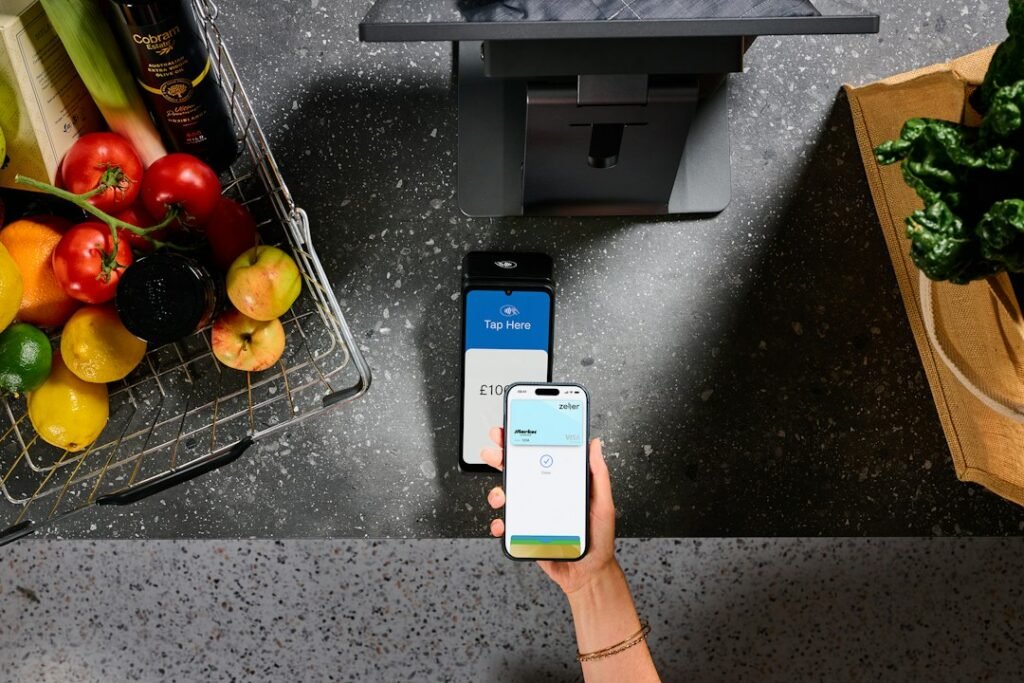
For normal shops and online orders, the standard cap of ₹1 lakh a day applies. Since NPCI’s changes of 15 September 2025, merchants verified by NPCI in these categories get higher limits, as listed by Google Pay:
| Category | Per payment | Per day |
|---|---|---|
| Capital market, insurance, GeM (EMD), travel, collections | ₹5 lakh | ₹10 lakh |
| Tax, hospitals and education | ₹5 lakh | ₹10 lakh |
| Credit card bill payments | ₹5 lakh | ₹6 lakh |
| Business/merchant (pre-approved) | ₹5 lakh | Not listed |
| Jewellery | ₹2 lakh | ₹6 lakh |
| FX retail via BBPS; term deposits (digital opening) | ₹5 lakh | ₹5 lakh |
| Digital account opening: initial funding | ₹2 lakh | ₹2 lakh |
| IPO or RBI Retail Direct | ₹5 lakh | ₹15 lakh |
How to tell if a merchant is verified
- Scan the merchant’s QR or open its payment link in Google Pay.
- Look for a green tick next to the merchant’s banking name on the payment screen.
- Enter the amount. Before you enter the UPI PIN, Google Pay shows a message such as “You can pay up to ₹X to this merchant”.
- If the amount is above what is shown, split the payment over days or pay through another channel.
Example: a ₹2.5 lakh college fee to a verified educational institution can go through in one payment, since the category limit is ₹5 lakh, provided your bank also allows it. The same ₹2.5 lakh to the college accountant’s personal UPI ID will fail, because it is a P2P payment capped at ₹1 lakh.
Bank limits can be lower than Google Pay’s figures
Google Pay says limits vary by bank account, credit card and other payment methods. Your bank may cap UPI below ₹1 lakh or below the merchant category limit. HDFC Bank, for instance, lists ₹2 lakh per transaction for capital markets, and SBI lists ₹2 lakh for insurance and capital markets. If you are under the published limits and still blocked, try another bank account or contact your bank. Bank-wise details: SBI UPI limit and HDFC UPI limit.
Common problems and fixes

| Problem | Likely reason | Fix |
|---|---|---|
| “Limit exceeded” message | ₹1 lakh or 20-payment cap reached | Wait 24 hours, pay less, or use another bank account |
| Only ₹5,000 allowed | New setup or reinstall | Wait for the cooling period to end |
| Blocked despite low daily use | 150 payments in 30 days reached | Wait for older payments to pass 30 days, or use another bank account |
| Large merchant payment fails | Merchant not verified, or bank cap lower | Check for the green tick; ask your bank |
| Payment flagged | Fraud check | Contact Google Pay support from the app |
| Money debited but payment failed | Bank or network issue | See our UPI transaction failed guide |
Common mistakes Google Pay users make
- Thinking a new Google account resets the limit. The cap follows the bank account.
- Paying a big bill to a person instead of the merchant’s official QR, which loses the higher category limit.
- Reinstalling the app to “fix” an error just before a large payment, which brings back the ₹5,000 cap.
- Sharing the UPI PIN with someone who promises to raise the limit. Google Pay has no such service.
Safety tips
- You need the UPI PIN only to pay, never to receive money.
- Check the banking name shown on screen before entering the PIN.
- Use help only from inside the Google Pay app, not from numbers found in search results or social media.
- For fraud, call 1930 and tell your bank immediately.
FAQs
What is the Google Pay limit per day?
₹1 lakh and 20 successful P2P payments per bank account in 24 hours, unless your bank sets less.
What is the Google Pay monthly limit?
Google Pay lists 150 successful P2P payments in 30 days. The amount cap stays ₹1 lakh per bank account per 24 hours.
Can I send ₹5 lakh on Google Pay?
Only to a verified merchant in an eligible category, such as insurance, tax or a hospital. Not to a person.
Can I increase my Google Pay limit?
No. Google Pay has no setting to raise it. See how to increase UPI limit for practical options.
Does adding a second bank account help?
Yes for the value cap, since ₹1 lakh applies per bank account. Google Pay’s 30-day count of 150 payments is listed separately, so check in your app if you make many transfers.
Is there a limit on receiving money on Google Pay?
Google Pay says daily limits apply to sending and receiving. Your bank’s rules on credits to your account also apply.
Conclusion
For daily use, remember the Google Pay transaction limit as ₹1 lakh, 20 payments a day and 150 a month per bank account. New setups start at ₹5,000. Big bills to verified merchants can go to ₹5 lakh. For the full NPCI picture, read our maximum limit of UPI guide, the count rules in UPI transactions per day, or browse all UPI guides.
Sources: Google Pay Help: Standard UPI transaction limits, NPCI, HDFC Bank UPI limit, SBI YONO blog. Checked 30 October 2026.
This guide is for general information only. Limits and features can change; check your bank or UPI app for the latest details. FIIAndDIIData.com is not affiliated with NPCI or any UPI app.