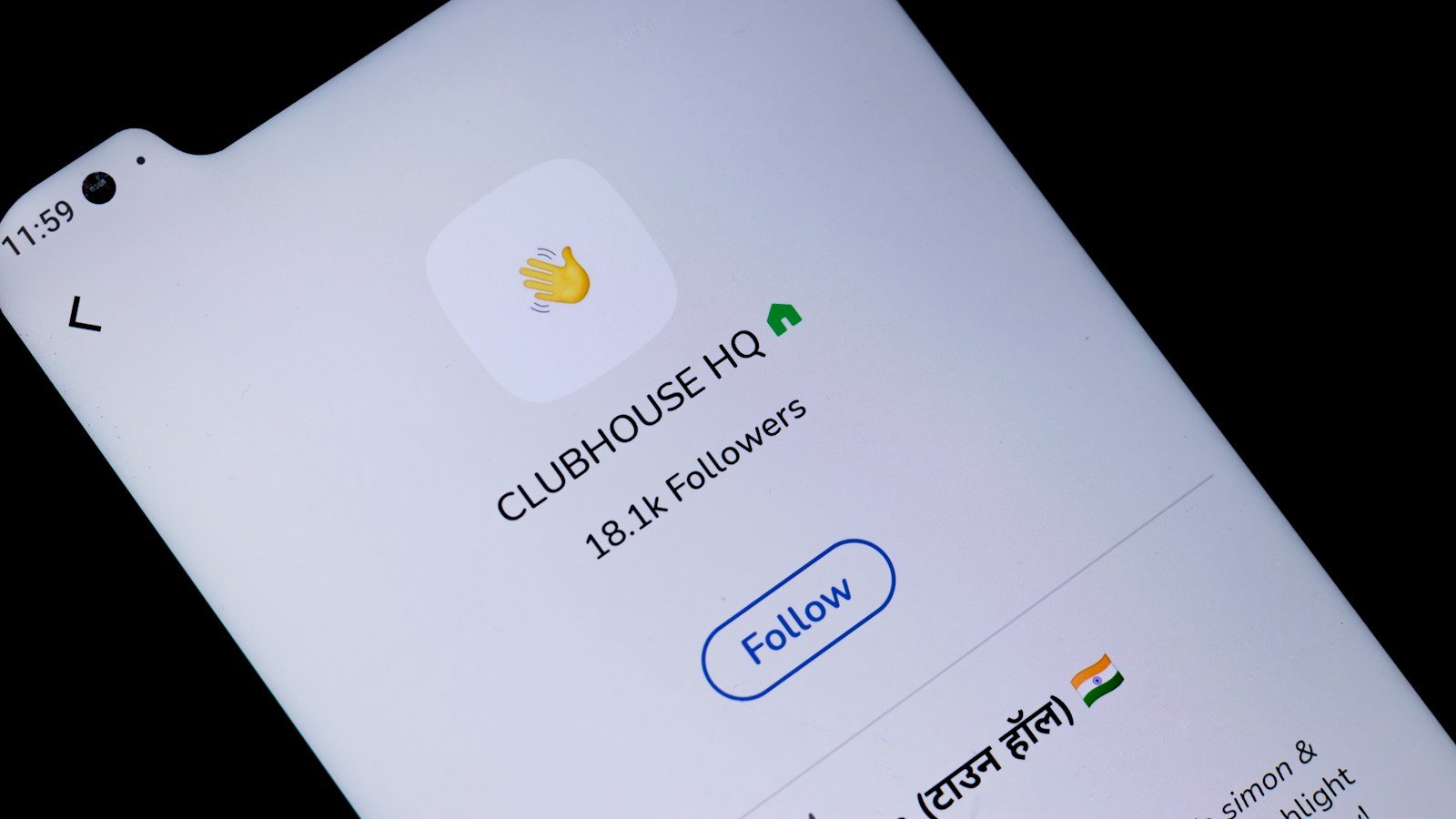
BHIM UPI is the UPI payment app built by NPCI, the organisation that runs UPI itself. BHIM stands for Bharat Interface for Money. The Prime Minister launched it on 30 December 2016, and it works with any bank that is live on UPI. UPI IDs created in BHIM end with @upi.
The app is now run by NPCI BHIM Services Limited (NBSL), a wholly owned NPCI subsidiary set up in 2024. In March 2025 NBSL launched BHIM 3.0 with support for more than 15 Indian languages, bill splitting and a Family Mode.
This guide explains what makes BHIM UPI different, how to set it up, what BHIM 3.0 adds, the limits with examples, how it compares with other apps, and what to do when a payment fails. Every other UPI topic is on our UPI guides hub.
BHIM UPI: quick overview
| Item | Details |
|---|---|
| Full form | Bharat Interface for Money |
| Developer | NPCI; now run by NPCI BHIM Services Ltd |
| Launched | 30 December 2016 |
| Handle | @upi |
| Latest major version | BHIM 3.0 (launched March 2025, phased rollout) |
| Languages | 15+ Indian languages in BHIM 3.0 |
| Fee | None for UPI payments from a bank account |
What is BHIM UPI and how is it different?
UPI is the payment network. BHIM is one app on that network. The difference from PhonePe or Google Pay is ownership: BHIM comes from the same body that runs UPI, so it is not tied to any one bank or company. It focuses on plain bank-to-bank payments with no ads or rewards push.
BHIM arrived weeks after demonetisation in late 2016, when the government wanted a free, simple way for people to pay digitally. It helped make UPI widely known, even though third-party apps now handle most of the volume. The wider story is in when UPI started in India.
Who BHIM suits best
- People who want a simple payments app without shopping, offers or loan pitches.
- Users more comfortable in an Indian language other than English or Hindi.
- Families who want to track shared spending through Family Mode.
- Anyone who wants a backup UPI app with a different handle, in case their main app has trouble.
How to set up BHIM UPI
- Install BHIM from Google Play or the App Store.
- Choose your language.
- Pick the SIM with the mobile number registered at your bank, and let the app verify it by SMS.
- Set an app passcode for opening BHIM.
- Select your bank. BHIM finds the accounts linked to your number.
- Set your UPI PIN using debit card details, or Aadhaar OTP if your bank supports it.
- Your @upi ID is ready. Check it in your profile.
The app passcode only opens BHIM. The UPI PIN approves payments and is the same PIN you use for that bank account in every UPI app. If you have no debit card, see our Aadhaar UPI bank list guide.
BHIM 3.0 features
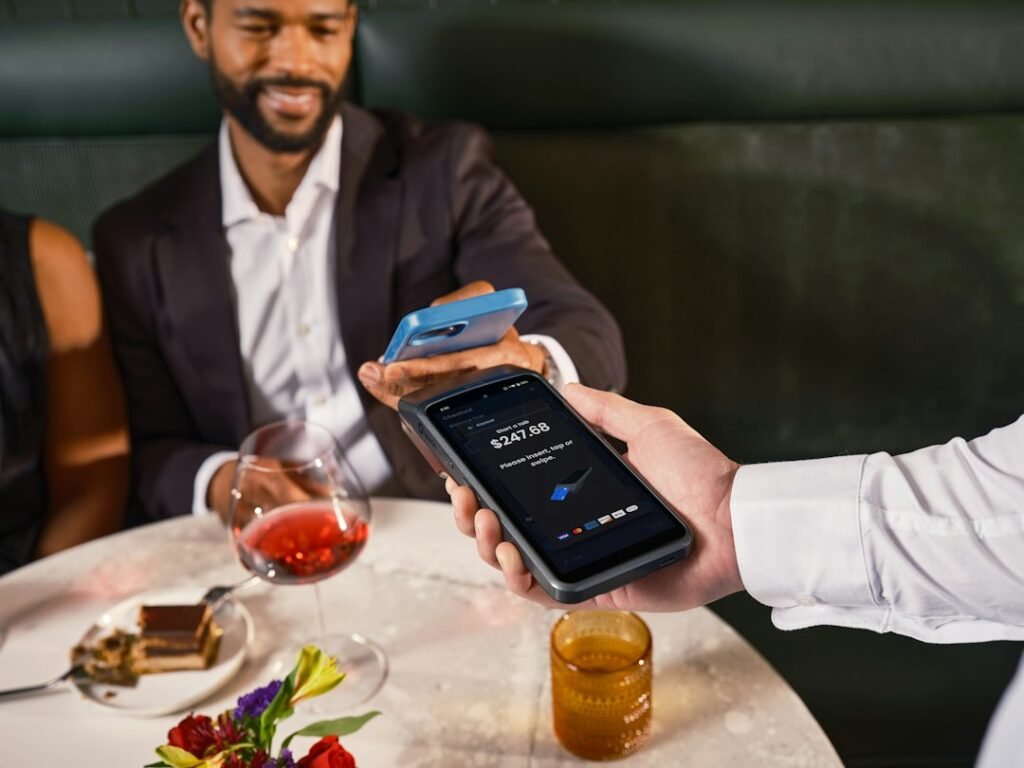
- 15+ languages: use the app in many Indian languages.
- Works on weak networks: designed for slow or unstable connections.
- Split expenses: divide a bill with friends or family.
- Family Mode: add family members, track shared spending and assign payments.
- Spend analytics: monthly spending patterns sorted by category.
- Action Needed: reminders for pending bills, prompts to enable UPI Lite and low Lite balance alerts.
- BHIM Vega for merchants: lets customers pay inside a merchant’s app without switching to another UPI app.
Example: splitting a dinner bill
Four friends eat out and the bill is ₹2,400. One of them pays the restaurant with BHIM and uses the split expenses feature to divide the amount, so each of the other three owes ₹600. Each friend still pays their share with their own UPI PIN; nobody can take money from another person’s account. The exact screens and how reminders work may vary by app version; check in your app.
For small daily spends, BHIM’s prompts to switch on UPI Lite can save you entering the PIN each time. Our UPI Lite guide explains how the on-device balance works.
BHIM UPI limits
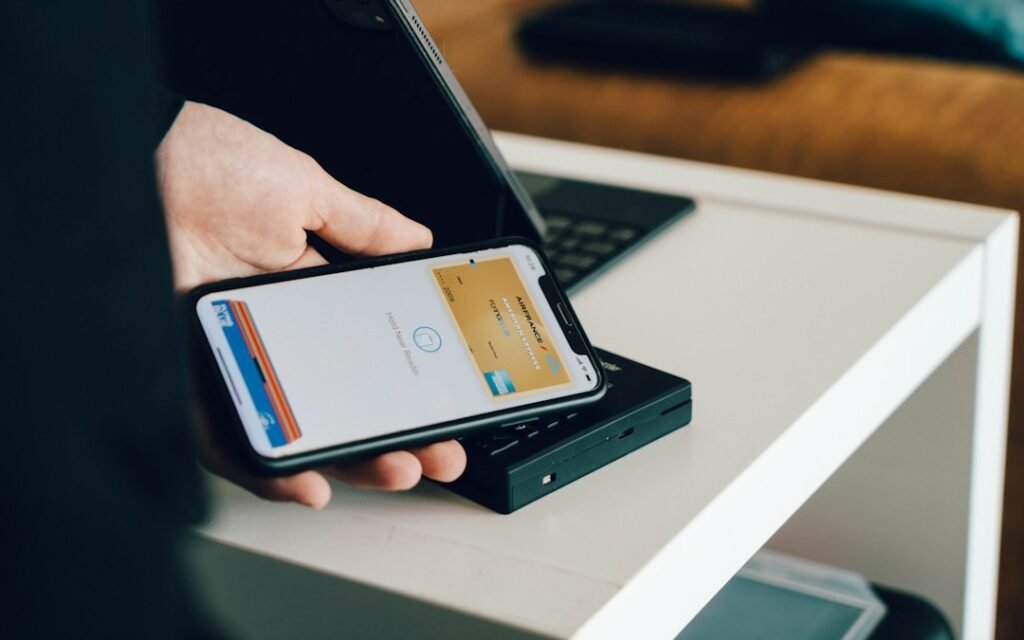
BHIM follows NPCI caps and your bank’s own limits:
| Type | Limit |
|---|---|
| Person-to-person | Up to ₹1 lakh per day |
| Verified merchants: insurance, capital markets, travel, loan EMIs | Up to ₹5 lakh per transaction, ₹10 lakh per day |
| Credit card bill payments | ₹5 lakh per transaction, ₹6 lakh per day |
| Hospital and education payments | ₹5 lakh per transaction |
| UPI Lite spending | Small payments from an on-device balance; caps may vary by bank/app |
Example: you send ₹40,000 to a friend at 10 AM and try to send ₹70,000 to a relative later that day. The second payment fails, because the two together cross the ₹1 lakh person-to-person cap. You could send up to ₹60,000 instead. If the ₹70,000 were a hospital bill paid to a verified hospital, the ₹5 lakh per transaction cap for that category could apply, if your bank supports it. See our maximum UPI limit guide for all categories.
BHIM vs other UPI apps
| Point | BHIM | PhonePe / Google Pay |
|---|---|---|
| Owner | NPCI subsidiary | Private companies |
| Handle | @upi | Partner bank handles such as @ybl, @okaxis |
| Focus | Basic payments | Payments plus shopping, offers, insurance |
| Payment network | UPI | UPI |
| Fee for bank-account payments | Nil | Nil |
Handles like @ybl come from the partner bank an app works with. Our guide to YBL in UPI explains how they work. Whatever the handle, the money always moves from and to the bank account linked to the ID.
Common problems and fixes
- SMS verification stuck: make sure the bank-registered SIM is in the phone with SMS balance, and the correct SIM slot is selected.
- Bank not found: your mobile number is not linked to the account. Update it with the bank.
- PIN blocked after wrong attempts: reset the UPI PIN with your debit card.
- Forgot app passcode: the passcode is separate from your UPI PIN. The reset steps may vary by app version; check the login screen in your app.
- Debited but failed: wait for auto-reversal, then raise a complaint in the app with the UPI reference number.
What to do if a BHIM UPI payment fails
| Situation | RBI timeline | If late |
|---|---|---|
| Sent to a person, debited, not credited | Auto-reversal by T+1 day | ₹100 per day beyond T+1 |
| Paid a merchant, debited, not confirmed | Auto-reversal within T+5 days | ₹100 per day beyond T+5 |
- Note the UPI reference number in BHIM’s transaction history.
- Raise a complaint in BHIM and with your bank.
- If the bank does not reply within 30 days or does not fix it, complain to the RBI Ombudsman at cms.rbi.org.in or call 14448, within 90 days under the 2026 scheme.
More steps are in UPI transaction failed.
Safety tips
- Enter the UPI PIN only to send money, never to receive it.
- Confirm the payee’s verified name before paying.
- Ignore calls or links claiming to offer BHIM cashback in return for your PIN or OTP.
- Install BHIM only from the official app store.
- Report fraud on 1930.
BHIM UPI FAQs
Who owns the BHIM app?
NPCI developed it. It is now run by NPCI BHIM Services Limited, an NPCI subsidiary.
What is the BHIM UPI handle?
@upi.
When was BHIM launched?
30 December 2016. BHIM 3.0 followed in March 2025.
Is BHIM UPI free?
Yes, UPI payments from your bank account have no charge for users.
Can I use BHIM with any bank?
Yes, any bank that is live on UPI.
Is BHIM the same as UPI?
No. UPI is the payment system run by NPCI. BHIM is NPCI’s own app that uses it.
How many languages does BHIM support?
BHIM 3.0 supports more than 15 Indian languages.
Conclusion
BHIM UPI is NPCI’s own app: free, bank-neutral and simple, with BHIM 3.0 adding languages, bill splitting and Family Mode. Learn more in when UPI started in India, what @ybl means and all our UPI guides.
Sources: BHIM UPI (NPCI); Millennium Post on BHIM 3.0; Business Today on NBSL; NPCI-sourced UPI handle list; Angel One on NPCI limits; RBI, TAT for failed transactions (2019); RBI Integrated Ombudsman Scheme 2026, salient features.
This guide is for general information only. Limits and features can change; check your bank or UPI app for the latest details. FIIAndDIIData.com is not affiliated with NPCI or any UPI app.