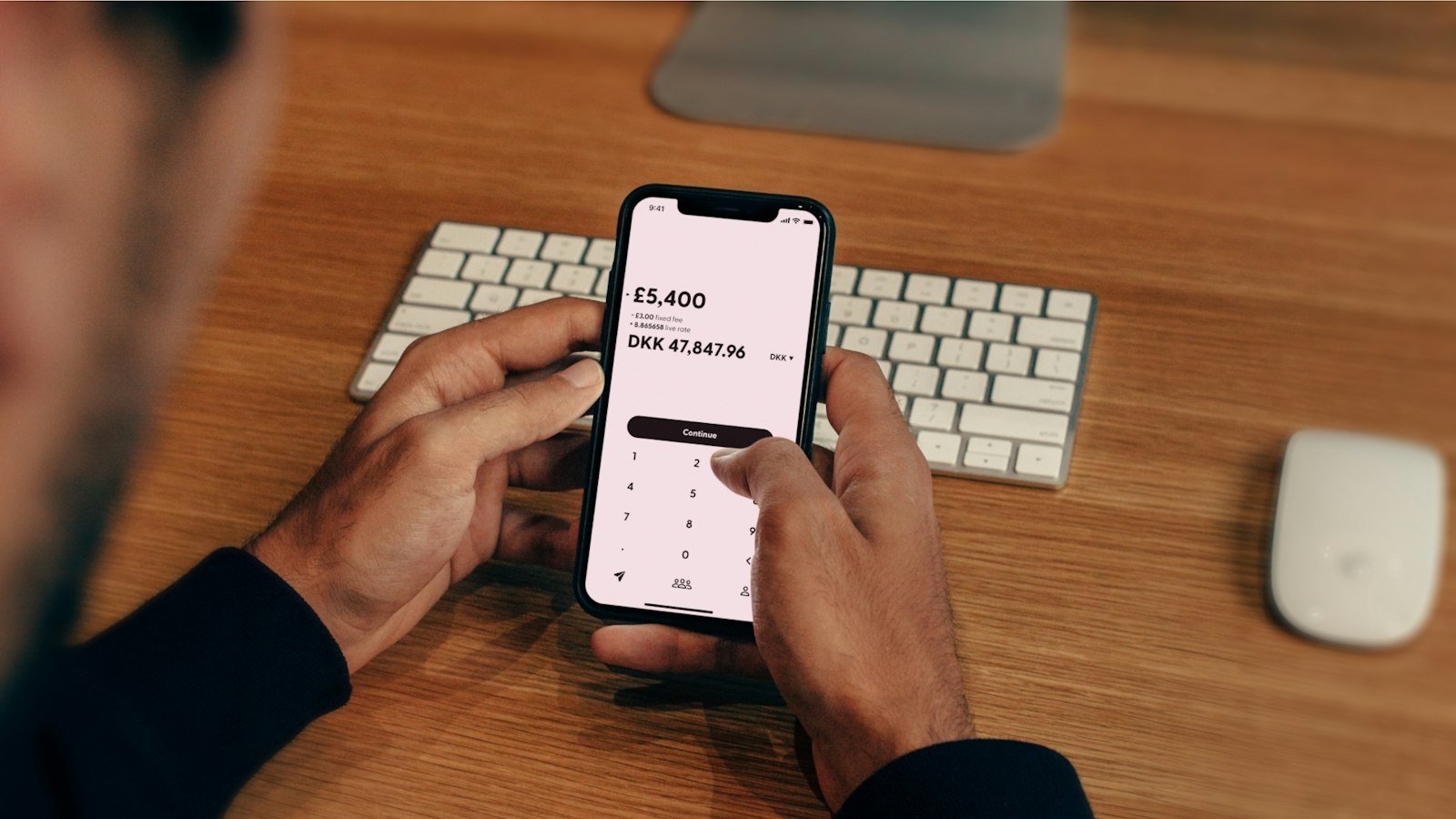
To create UPI ID in HDFC Bank, log in to the HDFC Bank MobileBanking app, open the UPI section, choose the UPI ID you want, link your account and confirm with an OTP. IDs made in the bank’s own app usually end in @hdfcbank. You can also link your HDFC account to PayZapp, Google Pay, PhonePe or Paytm; the ID then carries that app’s handle.
You need the mobile number registered with HDFC Bank in your phone, plus your customer ID and password for the app. A debit card is needed to set the UPI PIN unless your app offers the Aadhaar OTP route. This guide is for HDFC savings and current account holders, whether you want a bank-issued @hdfcbank ID or prefer to use an app you already have.
Quick overview
| Option | Typical handle | Best for |
|---|---|---|
| HDFC Bank MobileBanking app | @hdfcbank | HDFC customers who want a bank-issued ID |
| PayZapp (HDFC Bank) | Shown in app; may vary | Users who also pay bills and cards in PayZapp |
| Google Pay | @okhdfcbank and other ok handles | Google Pay users |
| Paytm | @pthdfc and other pt handles | Paytm users |
| PhonePe | @ybl, @ibl, @axl | PhonePe users |
What you need

- An active HDFC Bank savings or current account.
- The mobile number registered with HDFC Bank, active in the same phone.
- Customer ID and password (or MPIN) for the MobileBanking app.
- An active HDFC debit card to set the UPI PIN, or Aadhaar OTP where offered. See create UPI ID without debit card for that route.
How to create UPI ID in HDFC MobileBanking app
- Install the HDFC Bank MobileBanking app from the official app store.
- Log in with your customer ID and password or MPIN.
- Open the UPI payments section. The app checks your registered mobile number.
- Accept the terms with Accept & Continue.
- Enter the UPI ID you want and select the account to link.
- Verify with the OTP sent to your registered number.
- Set a UPI PIN if you have not set one for this account.
Menu names in banking apps change with updates. If you do not see the UPI section on the home screen, look under Pay or Transfer.
A real example
Sunita Rao has an HDFC salary account. She logs in to MobileBanking, opens UPI, accepts the terms and types sunita.rao as her ID. It is free, so she gets sunita.rao@hdfcbank. Since she never set a PIN, the app asks for her debit card’s last 6 digits, expiry and an OTP. She now shares sunita.rao@hdfcbank with her tenants instead of her phone number.
Using PayZapp or other UPI apps
PayZapp is HDFC Bank’s payments app and supports UPI along with cards and bill payments. The setup follows the usual pattern:
- Install the app and verify your HDFC-registered mobile number.
- Choose to set up UPI and select HDFC Bank as your bank.
- Select the account found for your number.
- Set the UPI PIN with your debit card or Aadhaar OTP.
- Note the UPI ID the app shows on your profile.
In Google Pay, PhonePe or Paytm, add HDFC Bank as your bank in the same way. See our guides for Google Pay and PhonePe.
Bank app vs third-party app
| Point | HDFC MobileBanking | Google Pay / PhonePe / Paytm |
|---|---|---|
| Login | Customer ID + password or MPIN | Phone number verification |
| Handle | @hdfcbank | App’s own handles |
| Choose your ID text | Yes, if available | Depends on the app |
| Money goes to | Your HDFC account | Your HDFC account |
HDFC UPI limits

| Type | Limit |
|---|---|
| Normal person-to-person | Up to ₹1 lakh per day (NPCI cap) |
| New UPI users or new device | Lower limit in the first 24 hours, often ₹5,000; may vary by bank |
| Special categories (tax, IPO, education, hospitals, etc.) | Higher limits set by NPCI per category |
| Bank-specific caps | HDFC can set its own count or amount limits; check in your app |
Example: you create the ID at 10 AM and try to pay ₹40,000 to a contractor at 11 AM. During the first 24 hours that may be declined; a ₹2,000 test payment is more likely to go through. The next day, larger payments up to your bank’s cap should work. Details are in our HDFC UPI transaction limit guide, and how to increase UPI limit in HDFC explains what the bank allows.
Choosing your HDFC UPI ID
- Pick a name-based ID such as sunita.rao@hdfcbank instead of your mobile number. NPCI’s June 2026 circular asks apps to let users default to non-mobile IDs, and it keeps your number private.
- Use only letters, numbers and simple characters like a dot. Avoid spaces.
- Keep it short so people type it correctly.
Common problems and fixes

- Mobile number mismatch: update your number with HDFC Bank through the branch or net banking first.
- OTP not received: check network, wait a minute, then retry. Too many retries can lock the option for a while.
- Debit card error: the card must be active and linked to the same account.
- UPI ID unavailable: try a different spelling or add digits.
- Payment declined after setup: the first-24-hour limit may apply. Try a smaller amount or wait.
What to do if setup keeps failing
- Confirm the registered mobile number in net banking or at the branch.
- Keep that SIM in the same phone and select it for SMS.
- Activate a new debit card before using it for the PIN.
- Try PayZapp or a third-party app if the bank app keeps failing.
- Contact HDFC Bank customer care through official channels listed on its website.
Common mistakes to avoid
- Using an old SIM that is no longer active for SMS.
- Trying a credit card instead of the debit card for PIN setup.
- Sharing a mobile-number ID when a name-based one is available.
- Sending a large first payment within the first 24 hours.
Safety tips
- HDFC Bank will not ask for your UPI PIN, OTP or card CVV.
- Do not approve collect requests you did not expect.
- Report fraud on 1930 or cybercrime.gov.in, and inform HDFC Bank through its UPI fraud reporting page.
FAQs
What is the HDFC Bank UPI handle?
IDs created in the HDFC MobileBanking app usually end in @hdfcbank. Third-party apps use their own handles.
Can I create an HDFC UPI ID without a debit card?
Only if your app offers Aadhaar OTP setup for HDFC Bank. Read create UPI ID without debit card.
Can I link two HDFC accounts?
Yes, if both are linked to the same mobile number. You can pick which one is primary.
Can non-HDFC customers use PayZapp UPI?
HDFC says UPI ID creation is available to both customers and non-customers. Exact options may vary; check in the app.
Will my @okhdfcbank Google Pay ID go to HDFC?
It goes to whichever account you linked in Google Pay. The handle names the processing partner, not your bank.
Can I change my HDFC UPI ID later?
Options may vary by app version; check the UPI settings in your app.
Does HDFC charge for UPI?
Creating a UPI ID and normal bank-account UPI payments are free for customers.
Conclusion
For an @hdfcbank ID, create UPI ID in HDFC through the MobileBanking app. For an app you already use, simply link HDFC Bank there. Either way, keep your registered SIM in the phone and choose a name-based ID. Browse all our UPI guides for more.
Sources: HDFC Bank UPI, HDFC Bank UPI usage, NPCI, Paisabazaar HDFC UPI guide.
This guide is for general information only. Limits and features can change; check your bank or UPI app for the latest details. FIIAndDIIData.com is not affiliated with NPCI or any UPI app.